FREE delivery & 40% OFF Christmas Deals! Order your 1st gift today.
Shop Now

Non-Alcoholic Soft Red Wine ( Homemade )
Original price was: ₹699.00.₹300.00Current price is: ₹300.00.
Almond Kernels – Raw (Premium Quality, 200g)
Original price was: ₹499.00.₹399.00Current price is: ₹399.00.Cashew Nuts Whole – Kaaju (Raw, Unsalted, Premium Quality & Organic)
Original price was: ₹499.00.₹400.00Current price is: ₹400.00.
Chocolate Cashew Rocks
Original price was: ₹299.00.₹249.00Current price is: ₹249.00.
Chocolate Almond Rocks
Original price was: ₹299.00.₹249.00Current price is: ₹249.00.




How to Download the FestivSale App on Your Phone or Computer
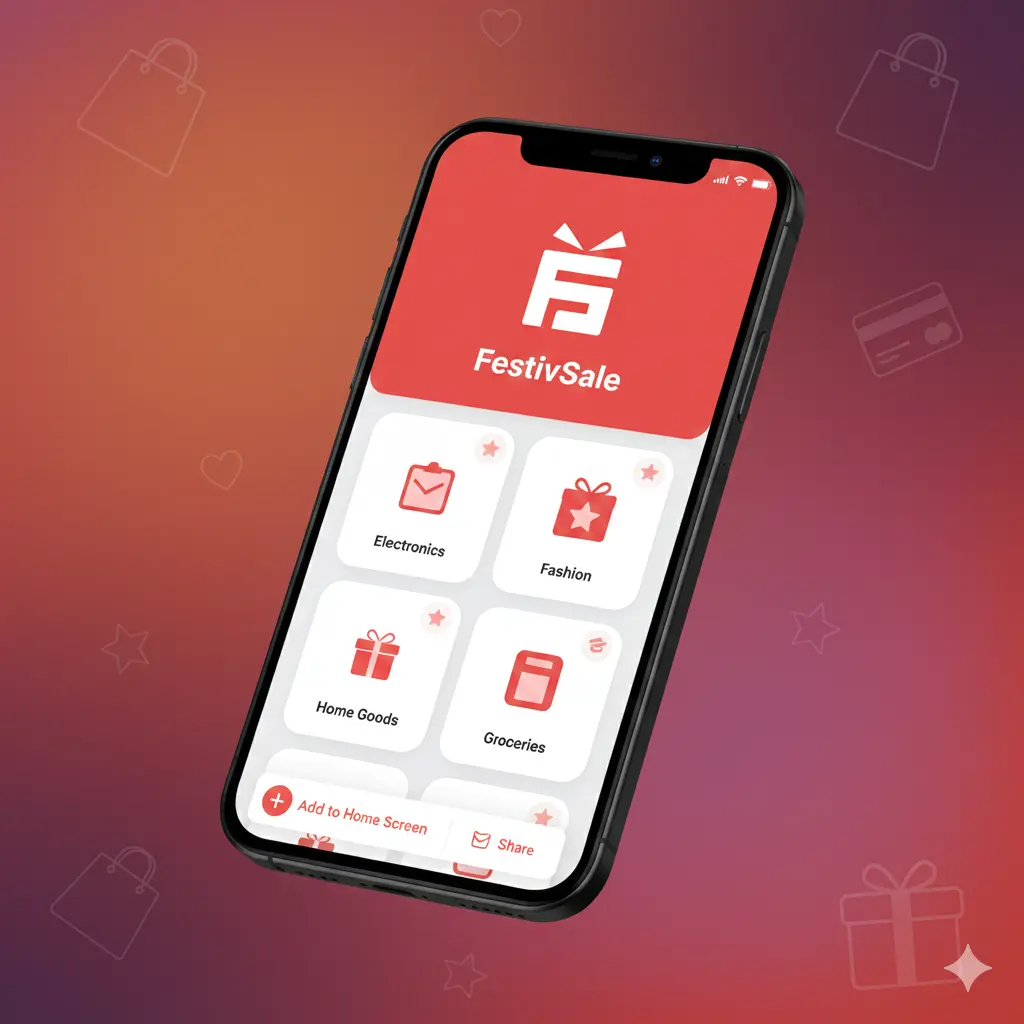
FestivSale is designed to work just like a mobile app, without requiring a Play Store or App Store download. With our Progressive Web App (PWA), you can install FestivSale directly from your browser in just a few taps. It is fast, safe, and takes almost no storage on your device.
In this guide, we will show you step by step how to install the FestivSale app on Android, iPhone, iPad, Windows, Mac, and ChromeOS.
Why Install FestivSale as an App?
Installing our PWA gives you:
- Instant access from your home screen
- Faster loading and smoother experience
- App like interface and navigation
- No updates needed because everything stays synced online
- Zero extra storage usage
- Works offline or with weak networks for some features
Now let’s get started.
How to Install FestivSale on Any Device
1. Android Devices (Chrome Browser)
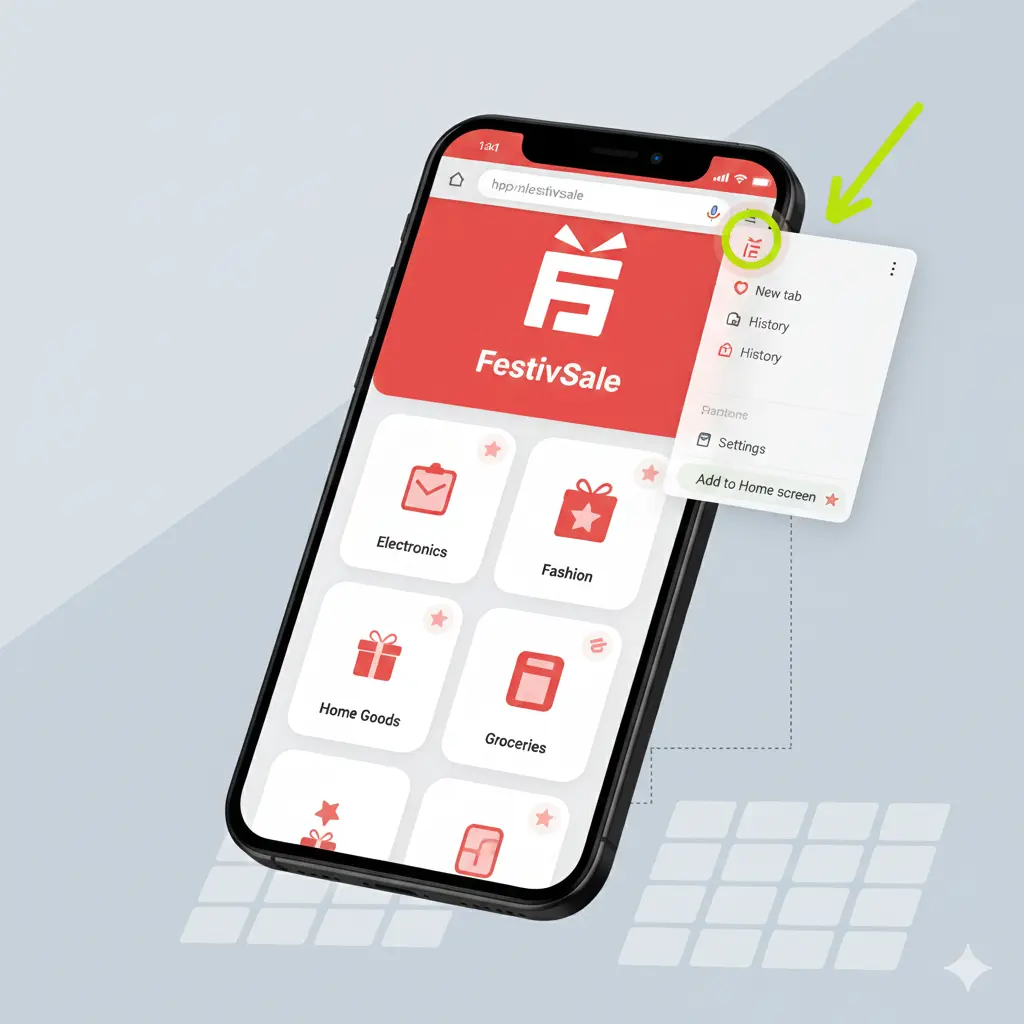
Installing on Android is very simple.
Steps
- Open FestivSale.com in your Chrome browser.
- Open the browser menu and tap ⋮ (three dot icon).
- Tap 📱 “Add to Home Screen”.
- Tap Install.
You will now see the FestivSale icon on your home screen just like a normal app.
2. iPhone and iPad (Safari Browser)
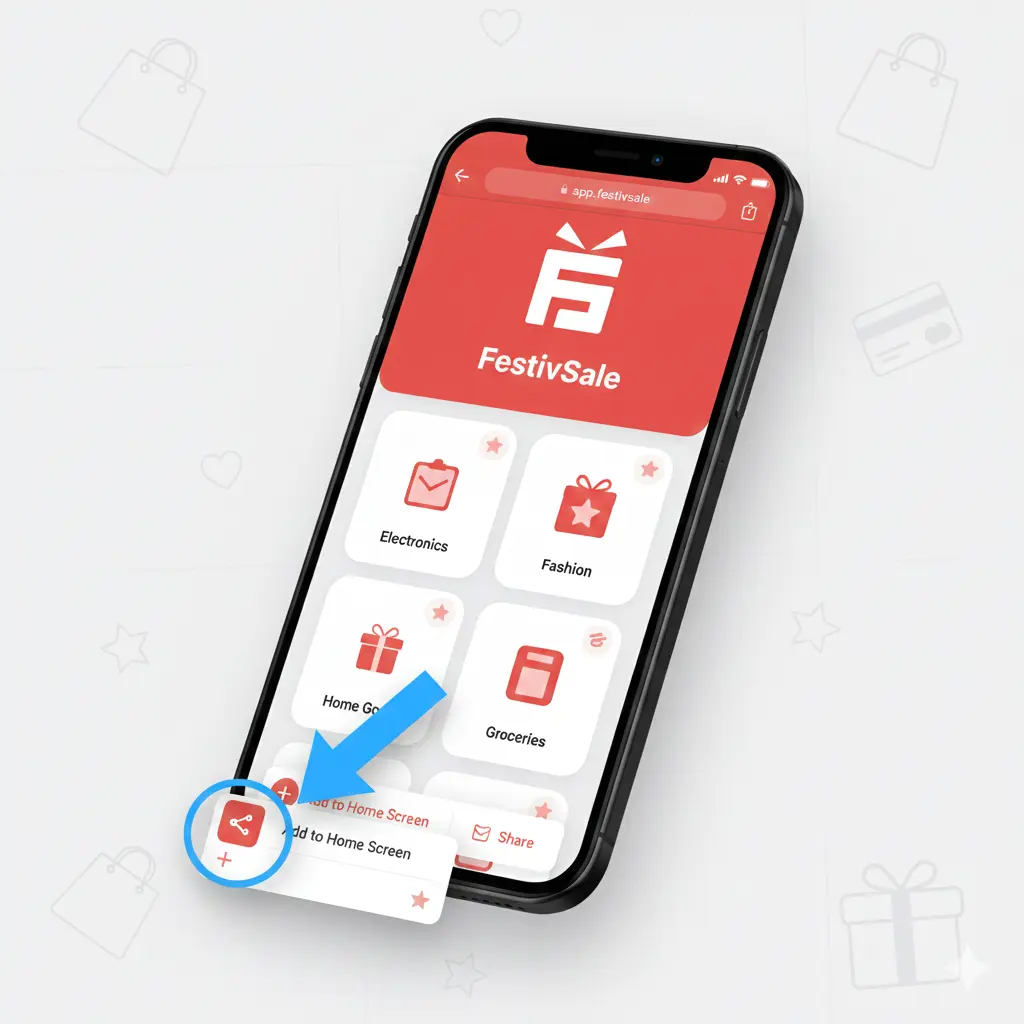
Apple devices allow PWA installation through Safari.
Steps
- Open FestivSale.com in Safari.
- Tap the Share icon ⬆️ (square with upward arrow).
- Scroll down and tap 🏠 “Add to Home Screen”.
- Tap Add in the top right.
The app will appear on your home screen instantly.
3. Windows PC (Chrome or Edge)

Steps
- Visit FestivSale.com in Chrome or Edge.
- Look for the Install App icon in the address bar (a small computer with a download arrow).
- Click Install.
FestivSale will open as a standalone window like a desktop application.
4. macOS (Safari or Chrome)
Safari
- Open FestivSale.com.
- Click File in the top menu.
- Select Add to Dock.
Chrome
- Visit FestivSale.com.
- Click the Install App icon in the address bar.
- Click Install.
You’re All Set!
Once installed, FestivSale works just like a native app. You can open it directly from your home screen, dock, or desktop anytime.